 how-to
How to Prevent Cracking on Custom Printed Shirts
Table of Contents
- Why Screen-Printed Shirts Crack and What Causes It
- How to Wash Custom Shirts to Protect the Print
- How to Dry Custom Printed Shirts Without Damage
- Care Instructions by Print Method
- How to Fix a Cracked Shirt Print
- What to Avoid: Common Mistakes That Damage Prints
- Reading Care Labels and Print Durability Expectations
- Frequently Asked Questions
Last Updated: October 19, 2026
Why Screen-Printed Shirts Crack and What Causes It
Custom printed shirts crack because the ink layer doesn't move the same way the fabric does, which is why learning how to prevent cracking printed shirts is essential.
Several factors speed up this damage.
The type of ink matters significantly.
Water temperature and washing intensity also play roles. Cold water is gentler on prints than hot water, and gentle cycles cause less agitation than heavy-duty ones.
How to Wash Custom Shirts to Protect the Print
Washing custom printed shirts correctly is the single most important step to prevent cracking printed shirts. Most damage happens in the washing machine, not the dryer.
Turn Your Shirt Inside Out Before Washing
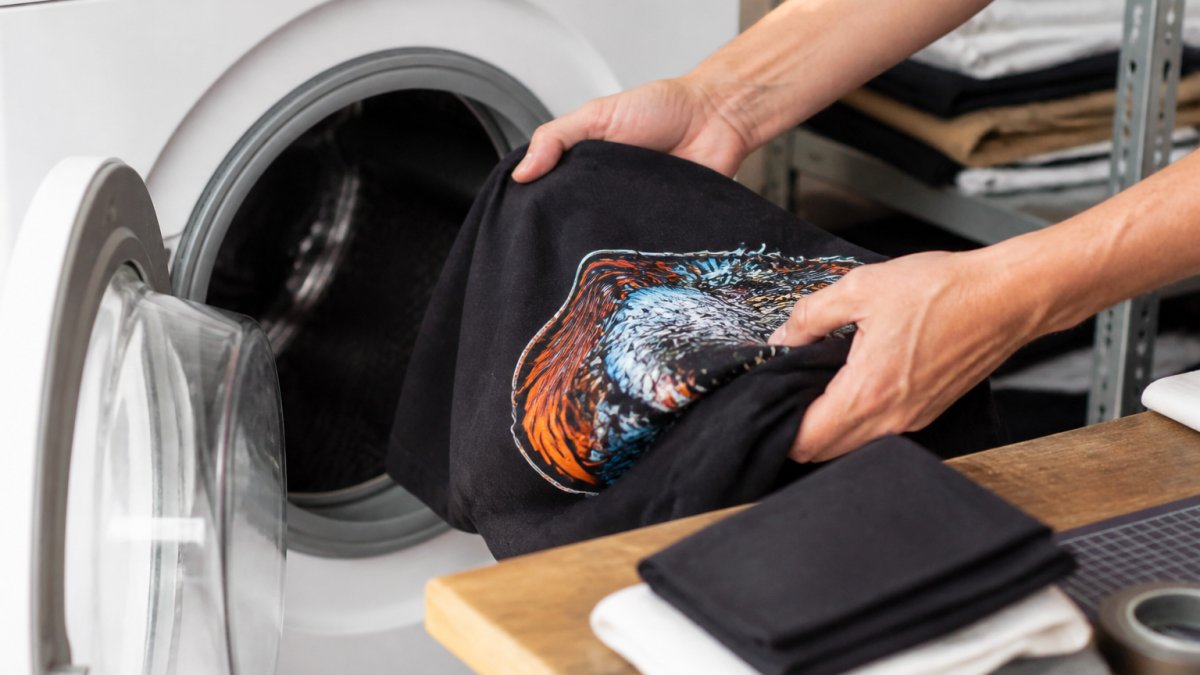
Flip your shirt inside out every single time you wash it, the simplest, most effective protection you can give a print.
When the shirt is inside out, the printed design faces inward, away from the drum's agitation. The back of the shirt takes the friction instead, dramatically reducing stress on the ink layer.
Inside-out washing protects the print from:
- Direct contact with other garments
- Rubbing against the machine drum
- Friction from zippers and buttons on other clothes
- Rough handling during the wash cycle
Make this a habit before every wash. It takes two seconds and makes an enormous difference in print longevity.
Use Cold Water and Gentle Wash Cycles
Cold water preserves print integrity better than warm or hot water. Heat softens the ink bond and makes prints more prone to cracking and peeling.
Set your washing machine to a gentle or delicate cycle.
Temperature and cycle settings work together:
- Cold water + gentle cycle = best protection
- Cold water + normal cycle = acceptable but riskier
- Warm water + any cycle = increased risk of damage
- Hot water + any cycle = high risk
If your machine doesn't have a delicate cycle, use the lowest agitation setting available, and lower water level and spin speed separately if your machine allows.
Minimize Friction in the Washing Machine
Friction is one of the biggest threats to printed designs, so control what goes in the wash with your custom shirt.
Wash printed shirts separately or with only soft, lightweight items. Heavy items like jeans and towels create more friction, and zippers and buttons can snag the print.
Practical steps to reduce friction:
- Wash custom printed shirts in their own load when possible
- If combining loads, include only t-shirts or soft items
- Remove items with rough textures or metal hardware
- Don't overload the washer (clothes need space to move gently)
- Close any velcro strips or zippers on other garments
Overloading forces clothes together tightly, increasing friction. Leave space for clothes to move freely, gentler movement protects the print and cleans better too.
How to Dry Custom Printed Shirts Without Damage
Drying method matters as much as washing. Heat and tumbling action both damage prints. Your drying choice determines whether a print stays vibrant or starts cracking.
Air Drying vs. Machine Drying
Air drying is the best option for custom printed shirts. It eliminates heat and tumbling completely, so the print faces no stress.
Hang the shirt or lay it flat on a clean surface so air reaches all sides.
Air drying takes longer than machine drying (typically 2-4 hours depending on humidity and fabric thickness), but the protection is worth the wait.
Machine drying poses real risks to prints:
- Heat weakens the ink bond
- Tumbling creates friction on the print surface
- The combination of heat and movement accelerates damage
If you must use a machine dryer, use the lowest heat setting available.
Low Heat Settings and Tumble Dry Guidelines
When machine drying is necessary, use the lowest temperature setting your dryer offers, never medium or high heat.
Remove the shirt while still slightly damp to reduce total heat exposure, then finish air drying on a hanger if needed.
Heat damage to prints shows up as cracking and peeling at the design's edges, faded or discolored areas, hardened ink, and loss of print flexibility.
Care Instructions by Print Method
Different printing methods require slightly different care approaches. Screen printing, heat transfer, and direct-to-garment printing all bond to fabric differently, so each has specific vulnerabilities.
Screen-Printed Designs
Screen printing deposits ink directly onto the fabric surface through a mesh screen, so the ink sits on top rather than being absorbed, making these designs more vulnerable to cracking and peeling.
Screen-printed shirts need careful handling:
- Turn inside out before every wash
- Use cold water and gentle cycles always
- Air dry whenever possible
- Avoid high heat entirely
- Don't iron directly on the printed area
Screen printing creates durable prints when cared for properly, the ink can last for years of regular washing if you follow these guidelines. Because the print sits on the surface, surface protection matters most.
Heat Transfer and Direct-to-Garment Prints
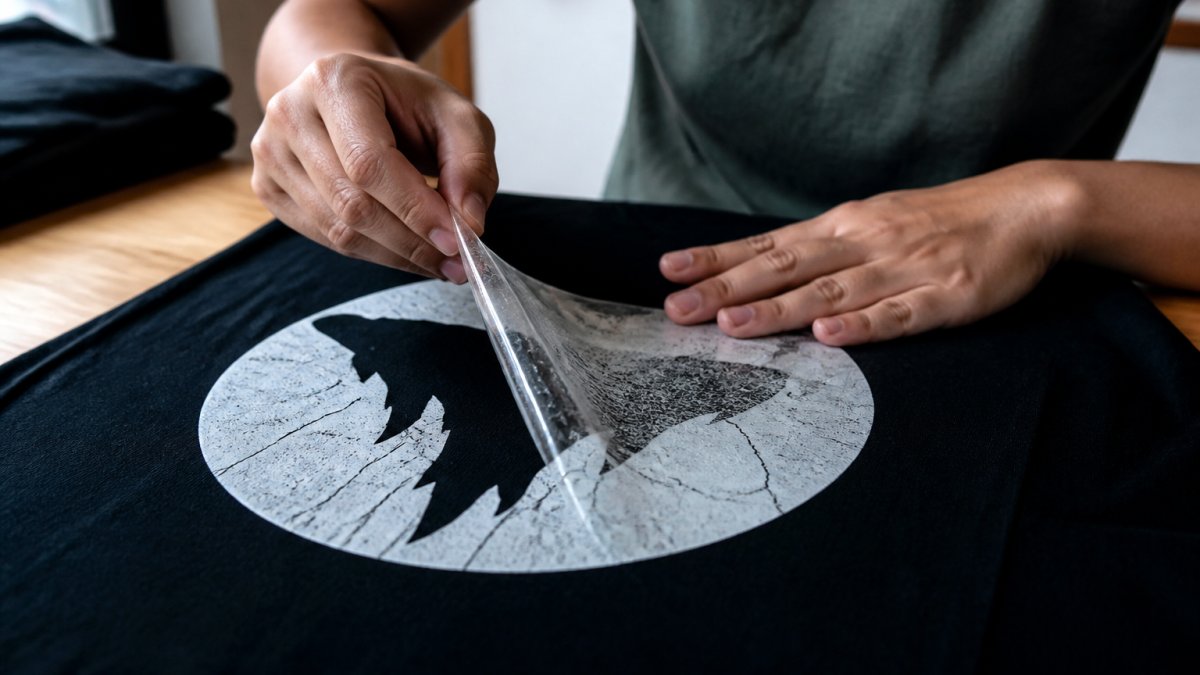
Heat transfer prints use heat to bond a design from a transfer sheet onto the fabric. Direct-to-garment printing (DTG) sprays ink directly onto the shirt and then heat-sets it. Both use heat as part of the bonding process.
These prints handle washing similarly to screen printing but have different heat sensitivities:
- Heat transfer prints can be more prone to cracking if exposed to high heat after production
- DTG prints often have better longevity because the ink is absorbed slightly into the fabric
- Both benefit from cold water washing and air drying
- Both should avoid high heat and direct ironing
Heat transfer prints sometimes feel slightly stiffer because the transfer layer sits between the design and the fabric. This doesn't affect care, but it explains why gentle handling matters.
How to Fix a Cracked Shirt Print
If your print has already started cracking, you have limited repair options.
For small cracks at the edges of a design, stop further spread:
- Stop wearing the shirt for a while to halt stress on the print
- Wash only in cold water on gentle cycles going forward
- Air dry exclusively
- Avoid any heat exposure
These steps won't close existing cracks, but they slow additional damage and often stop small edge cracks from spreading.
For significant cracking or peeling across the design, repair becomes impractical. The damaged print won't return to its original appearance. At this point, you have a few options:
Wear the shirt casually at home where appearance matters less. Many people keep damaged printed shirts for sleeping, working out, or yard work. The print may look worn, but the shirt still functions.
Have the design reprinted by a custom apparel company. This costs money but gives you a fresh print on the same shirt.
Retire the shirt and use it as a learning experience for future custom shirt care. Understanding what went wrong helps you protect new printed shirts better.
What to Avoid: Common Mistakes That Damage Prints
Most print damage comes from preventable mistakes. Avoid these common errors and your custom printed shirts will last significantly longer.
Never Iron Directly on the Printed Area
If you need to iron a printed shirt, iron the back side only. Place the shirt face-down on the ironing board so the printed side faces away from the iron.
Better yet, avoid ironing altogether. Most modern fabrics don't wrinkle badly if you remove them from the dryer promptly and hang them immediately. Air drying eliminates wrinkles naturally.
If wrinkles do appear, hang the shirt in a steamy bathroom or use a garment steamer instead of an iron.
Avoid Stretching and Rough Handling
Stretching the fabric while wet puts stress on the print. The ink layer can't stretch as much as the fabric, so pulling creates cracks.
Handle wet printed shirts gently:
- Don't wring or twist the shirt to remove water
- Support the weight of wet fabric with both hands
- Don't hang a wet printed shirt from just the shoulders (the weight stretches the fabric)
- Lay wet printed shirts flat or hang them from a line through the sleeves
Rough handling during any stage of care damages prints. This includes crumpling, folding tightly, or stuffing the shirt into a crowded drawer. Treat custom printed shirts more carefully than regular shirts, at least until the print is fully cured (typically after the first few washes).
Avoid activities that create excessive friction or stretching:
- Don't wear printed shirts while doing heavy physical work
- Avoid wearing backpack straps directly over the print
- Don't wear the shirt while sleeping if you move around a lot
- Be careful with seat belts and other items that might rub the print
Reading Care Labels and Print Durability Expectations
Most custom printed shirts come with care instructions from the printer. These labels provide specific guidance for that particular shirt's print method and ink type.
Read and follow the care label instructions. They're written specifically for your shirt's construction. Labels typically specify:
- Recommended water temperature
- Wash cycle type (gentle, normal, heavy-duty)
- Drying method (air dry, low heat, etc.)
- Any items to avoid (bleach, fabric softener)
- Number of recommended washes before potential wear
Understanding print durability expectations helps you care for your shirt appropriately. Screen-printed shirts from quality printers typically last 50-100+ washes with proper care.
These are general ranges, not guarantees. Actual durability depends on:
- Print quality from the original printer
- Fabric quality and type
- How strictly you follow care instructions
- Environmental factors like chlorine in pools or salt water
New printed shirts should be washed separately for the first few washes. This allows the print to fully cure and bond with the fabric.
Custom printed shirts represent a personal investment in style and self-expression.
Frequently Asked Questions
Why do custom printed shirts crack after washing?
Printed shirts crack when the ink or adhesive breaks down under stress. High temperatures, friction in the washing machine, rough handling, and stretching all weaken the bond between the print and fabric. Screen-printed designs are especially prone to cracking if exposed to excessive heat during drying or if the shirt is tumbled aggressively with other garments. Using cold water, gentle cycles, and air drying significantly extends print lifespan.
What's the best way to wash custom printed shirts?
Turn the shirt inside out, wash in cold water on a gentle cycle, and avoid washing with heavy items like jeans or towels. Zip up zippers and close buttons to prevent snagging the print. Wash similar colors together. Air dry whenever possible, or use a dryer on low heat for no more than 20-30 minutes. This approach protects the print while keeping the shirt clean.
Can I put a custom printed shirt in the dryer?
High heat in the dryer is one of the biggest causes of cracking on printed shirts. If you must use a dryer, select the lowest heat setting and remove the shirt while slightly damp. Ideally, hang the shirt to air dry completely, this eliminates heat damage entirely and extends print durability. Heat can also cause colors to fade faster, so air drying is the gentlest option for preserving both the print and the fabric.
What should I do if my shirt print has already started cracking?
Once cracking begins, you cannot fully reverse it, but you can slow further damage. Wash the shirt less frequently, always in cold water inside out, and air dry exclusively. Avoid wearing the shirt during activities that cause stretching or friction.